



Your prospective students are hearing from every institution on their shortlist by email, text, and social media. The messages that stand out feel like they were written for them.
Marketing automation helps you send the right message at the right moment, from a student’s first inquiry to enrollment, graduation, and their years as alumni. It also takes the repetitive sends off your team’s plate.
We cover:
- Why automation is worth it
- Eight ways to use it across the student journey
- Which emails to set up first
The benefits of marketing automation in higher education
Automation handles the routine sends, so every student hears from you when it matters. Here’s what that looks like for higher education institutions.
- Faster replies to inquiries: When a prospective student fills in a form or requests a brochure, they hear back from you right away. Lead scoring and prospect tracking then show your admissions team who to follow up with first
- Messages that match each student: Send content based on the program a student is interested in, where they’re applying from, or what they’ve clicked on before
- Follow-up that runs on its own: Drip campaigns keep your institution in touch between first inquiry and application deadline, so students keep hearing from you while they compare their options
- Updates at the right time: Application status updates, missing document reminders, and deadline alerts go out automatically as soon as something changes
- Earlier warning on retention: If a current student stops opening emails or clicking through to course updates, you’ll see it in their engagement data. That gives you the chance to check in before a small issue turns into a decision to leave
- Reporting you can act on: See open rates, click-through rates, and engagement for every campaign, so you know which messages get students to take the next step and which ones need rework
- More time for your team: Once routine emails and texts are scheduled, your staff can spend their time on calls, campus visits, and the questions that need a person
How to use marketing automation in higher education
Automation supports every stage of the student journey, from prospect to alum.
Here are eight ways to use it.
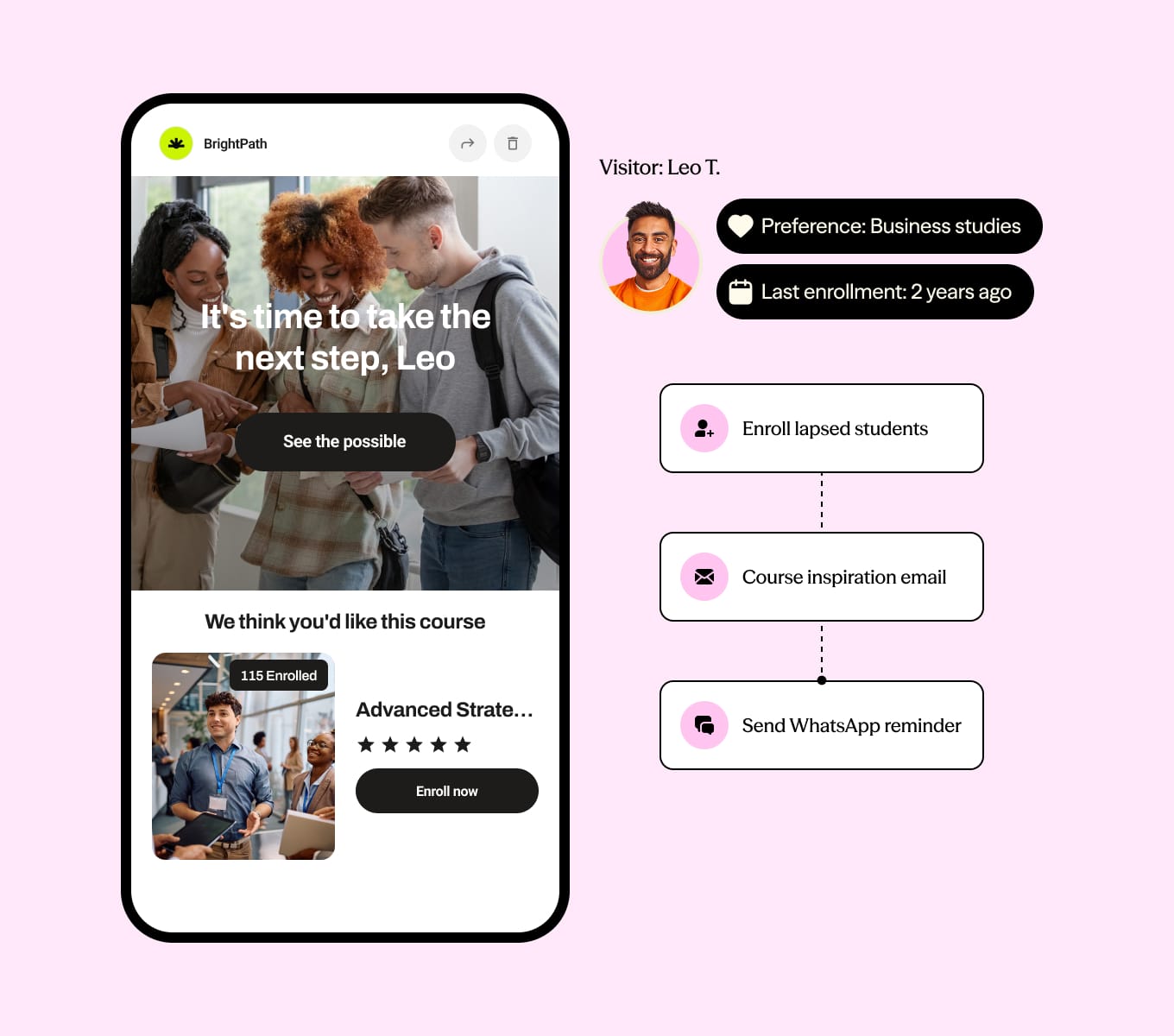
Personalize email, SMS, and push messages for every student
With Dotdigital’s cross-channel automation tools, you can tailor every email, SMS, and push notification to a student’s interests, background, and how they’ve engaged with you so far.
For example:
- A prospective computer science student who signs up for updates gets a welcome email about your upcoming coding workshops
- A current student gets a text a week before their financial aid deadline
- A student who starts an application but doesn’t finish it gets a push notification before the deadline
When you combine automation with personalization, every message matches what a student cares about, which gives them a reason to keep opening yours.
Speed up admissions with automation
Admissions involves a lot of back-and-forth for your staff and your applicants. Automation takes care of the routine parts so nothing gets held up.
Set up automated messages to:
- Update applicants when their application status changes
- Send acceptance letters as soon as a decision is made
- Remind students to submit any missing documents
Applicants get the information they need without waiting, and your admissions team spends less time chasing paperwork and more time talking to students.
Spot fundraising opportunities with alumni segmentation
Fundraising works best when each alum gets an ask that fits their relationship with your institution, and segmentation helps you get that right.
Group alumni by graduation year, major, or giving history, then send each group a campaign that speaks to them. A recent graduate gets an invite to your young alumni network, while a long-time donor gets an update on the scholarship they’ve supported.
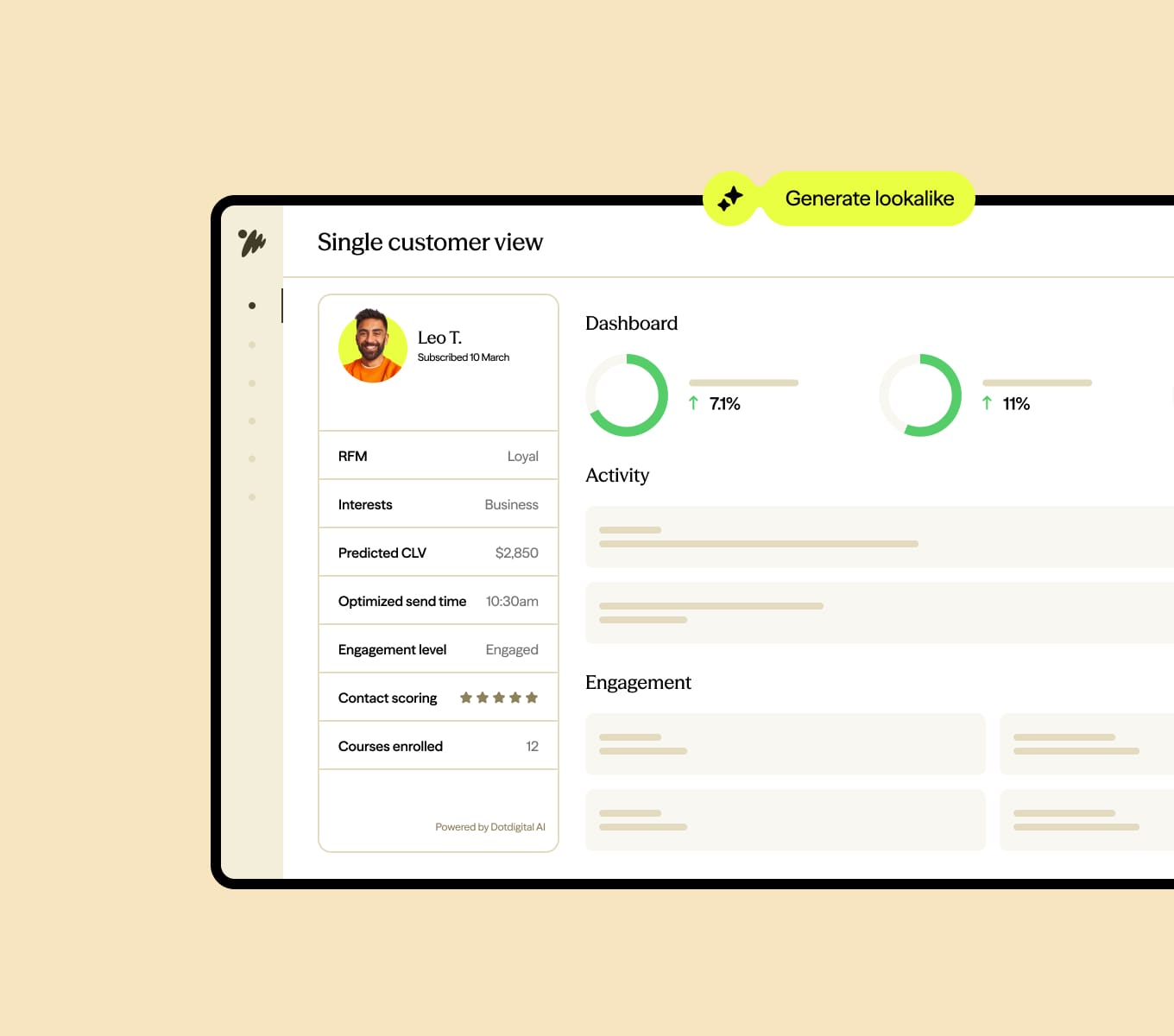
Dotdigital’s unified view brings each alum’s data together in one place. eRFM (engagement, recency, frequency, and monetary value) then scores contacts on how recently and how often they’ve engaged or given. That makes it easier to see who’s ready to give and who needs a warmer approach first.
Send real-time course updates with SMS and push notifications
Some updates can’t wait for students to check their inbox. When plans change at short notice, students need to hear about it before it affects their day. Triggered SMS and push notifications reach students straight away, which makes them a good fit for:
Our Global benchmark report found SMS click-through rates in the Americas are around 9x higher than email, so students are more likely to see your update and act on it.
You can set up automated messages for the moments that can’t wait, like:
- Course cancellations
- Schedule or room changes
- Registration reminders before a deadline closes
Let students choose how they’d like to hear from you. Some will prefer a text, others a push notification from your app. Giving them the choice means your updates land where they’re most likely to see them.
Use lead scoring and reporting to spot your best prospects
Your inquiry list will include students who are ready to apply and students who are still browsing. Lead scoring helps you tell them apart.
You give points to the actions that show real interest. A student who downloads a brochure or attends a webinar scores higher than someone who’s visited your website once. Your admissions team can then focus its follow-up on the students with the highest scores.
Pair lead scoring with automated campaign reports to see which messages move students up the scale, which ones don’t get a response, and where to focus next.
Boost event attendance with personalized invitations
Whether it’s a career fair, an open house (open day), or a big game, personalized invitations give each student a clear reason to show up.
With Dotdigital’s Eventbrite integration, you can send invites based on each student’s interests, like a career fair for seniors or a program preview day for prospective applicants.
Your Eventbrite events and check-ins sync straight into Dotdigital, so you can see who registered and who attended. That means you can follow up with the people who came, re-invite those who didn’t, and see which events are worth running again.
Automate onboarding and orientation for new students
The weeks between accepting an offer and the first day of class are packed with things new students need to know. Automated workflows send that information in the right order, so nobody’s buried under one giant welcome email.
Use automated emails to walk new students through:
- Registering for classes
- Campus resources, like housing, the library, and student support
- Orientation events and key deadlines
Once the semester starts, set up automated check-ins for the first few weeks. They help new students feel welcome, and their responses show you who might need extra support.
Use AI to time and write your messages
AI takes the guesswork out of when to send and what to say, across every channel. For email, send time optimization learns when each student is most likely to open and delivers your message at that moment, so a deadline reminder doesn’t get lost under a morning of lecture notifications.
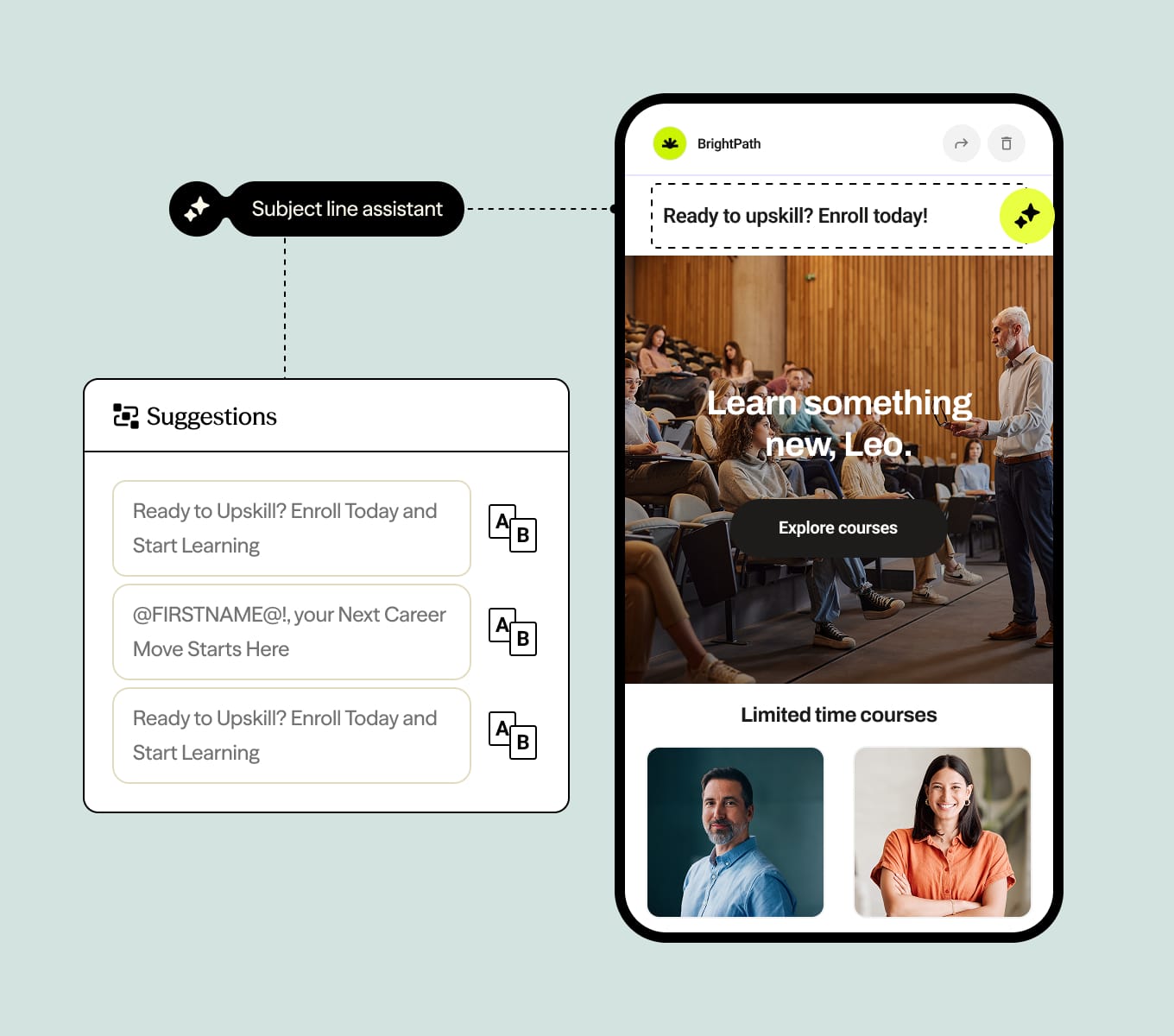
Dotdigital’s AI tools help with the writing too. You can generate subject line ideas and run grammar and spelling checks before you hit send, so every message goes out polished.
The higher education emails to set up first
Email is the channel you’ll use at almost every stage. And it’s still one of the top ways people like to hear from brands. In our survey of US consumers, 42% said email was a preferred channel, and Gen Z wasn’t far behind at 40%.
Each email is triggered by something a student does, like requesting a brochure, starting an application, or accepting an offer.
If you’re building your higher education email marketing, here are the emails to set up first:
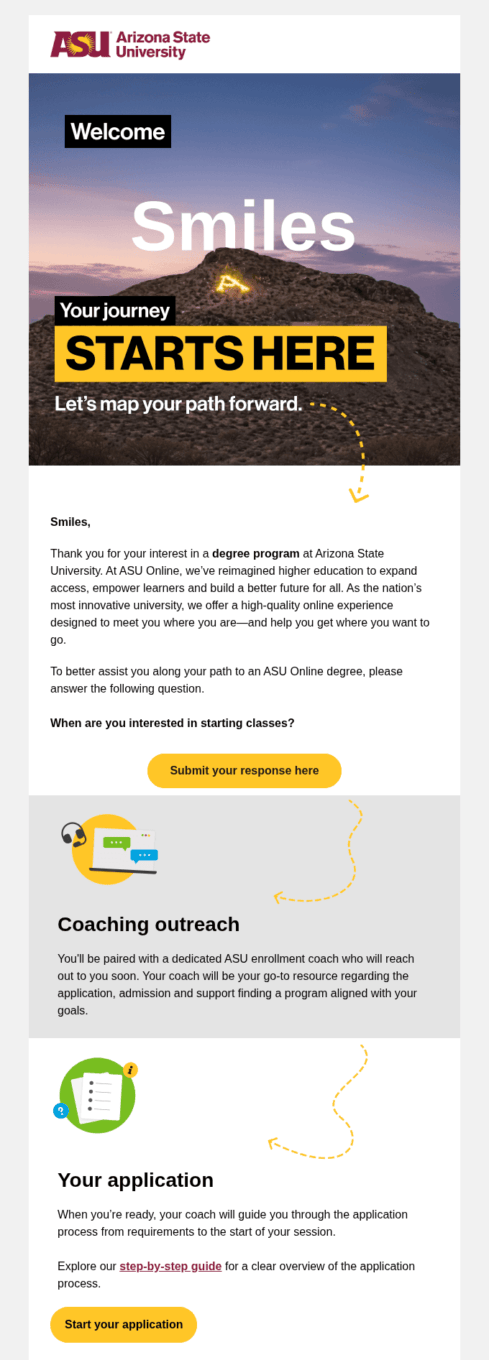
- Inquiry welcome series: Thank students for their interest and point them to programs that match what they asked about
- Open house and event invitations: Invite prospects to campus tours, virtual events, and webinars, then follow up with people who attended
- Application reminders: Prompt applicants to finish their application or send missing documents before the deadline
- Offer and acceptance emails: Congratulate admitted students and walk them through their next steps
- Onboarding and orientation: Share key dates, campus resources, and welcome events before the first semester
- Student updates: Send reminders for course registration and financial aid deadlines
- Alumni and fundraising emails: Keep graduates in touch with news, reunions, and giving campaigns based on graduation year or program
Once these are running, add SMS and push notifications for time-sensitive messages, and use your reporting to see which emails get students to act.
For ideas on what to build next, take a look at these marketing automation examples that work.
Get started with marketing automation in higher education
You don’t need to automate everything at once. Start with one journey, like your inquiry welcome series or application reminders, and build from there. Each one you add saves your team time and gives students a clearer path from first inquiry to graduation, and back again as alumni.
If you’re still comparing tools, our guide on how to choose the right marketing automation platform covers what to look for.
